Sharpen Images online to make photos clearer
Use Picsart’s AI Image Sharpener to get rid of blur, uncover details, and make your photos look clear and polished in seconds.
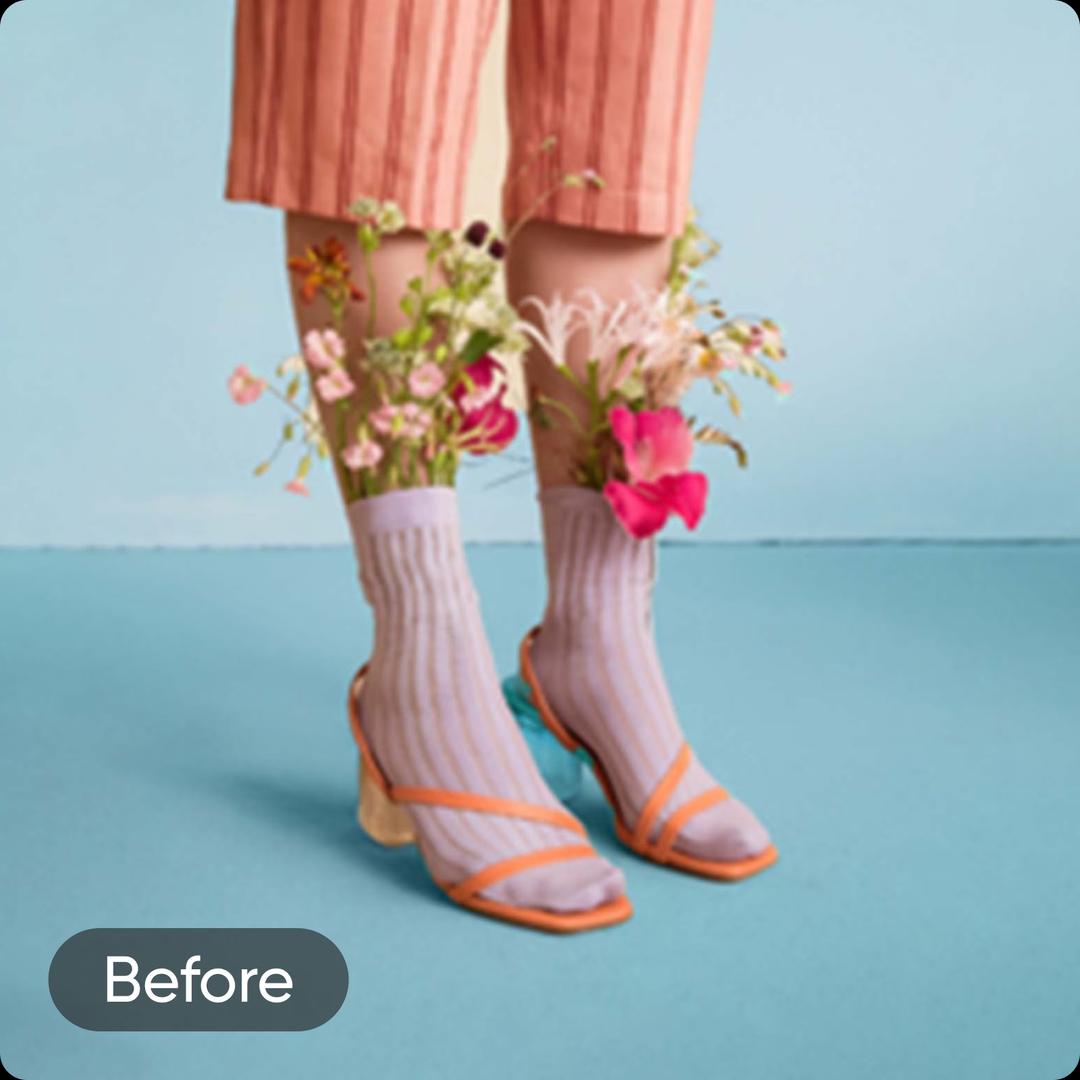
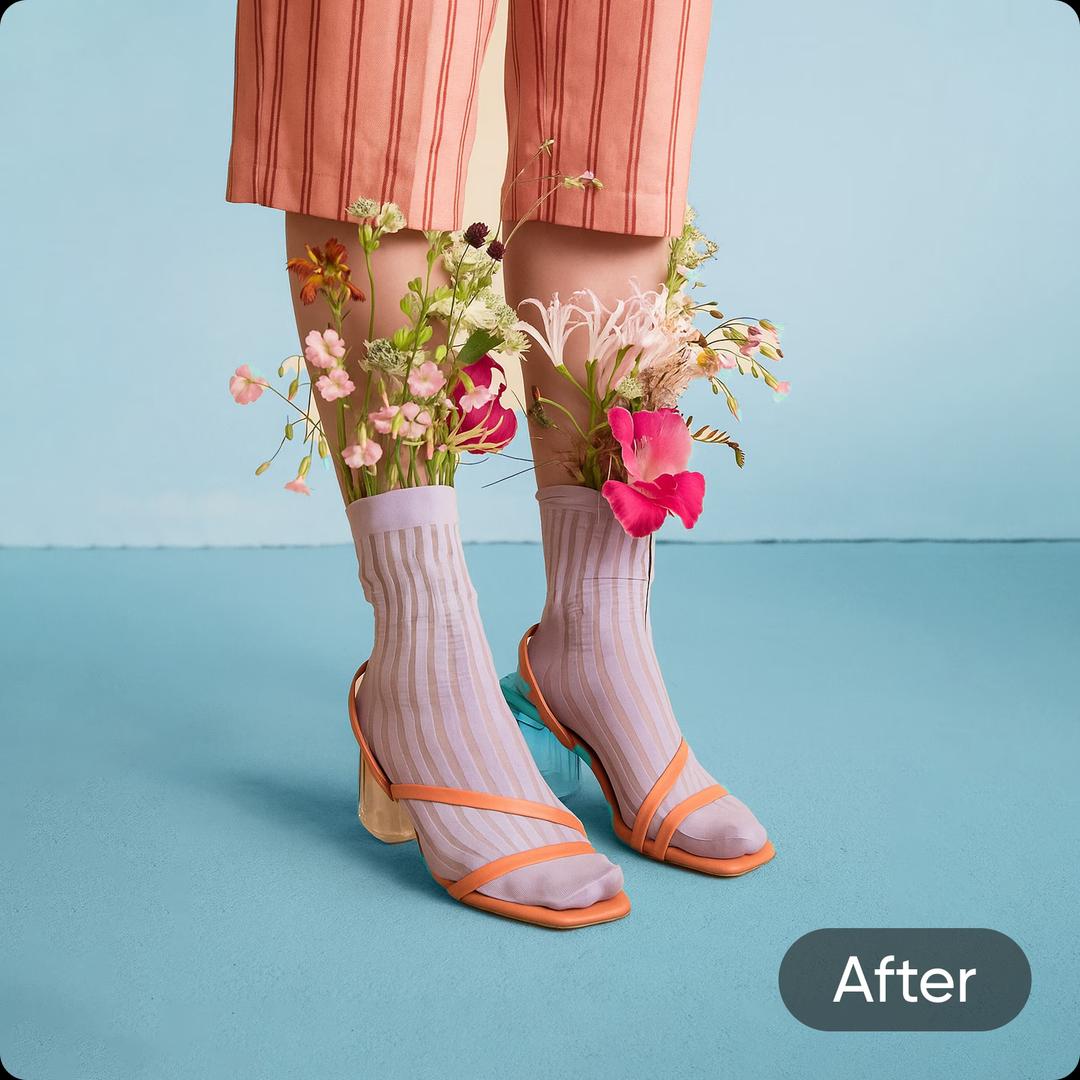
Tool rating





Instant image sharpener
Make images clearer in seconds, not minutes. Give your photos a makeover in an instant and without any hassle.

Automatic image clarification
No need to brush over anything, the AI-powered image sharpener will intuitively bump the resolution of your image.

AI pixel bump
Unlock a new level of detail and vibrance. Let AI make up for the camera equipment shortcomings with pixel increase.
How to make a photo clearer
Upload a photo
Use the Browse files button to get started.
Sharpen image
Download or customize

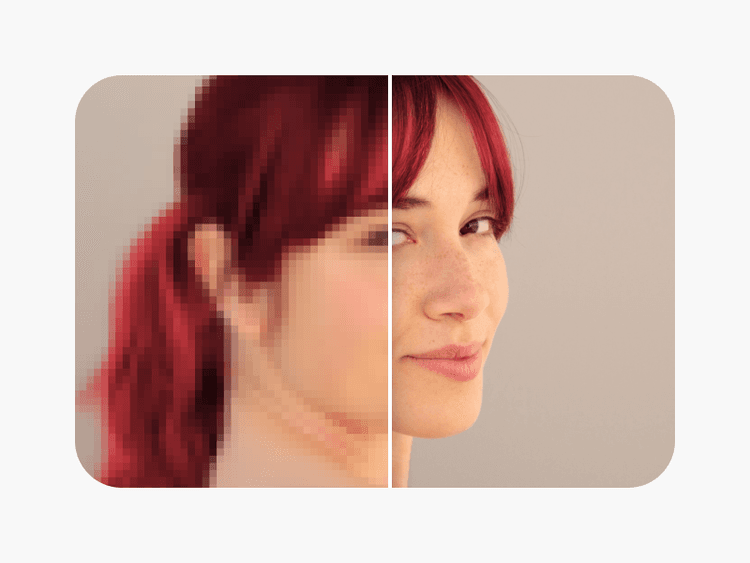
Eliminate pixelation with the AI Image Sharpener
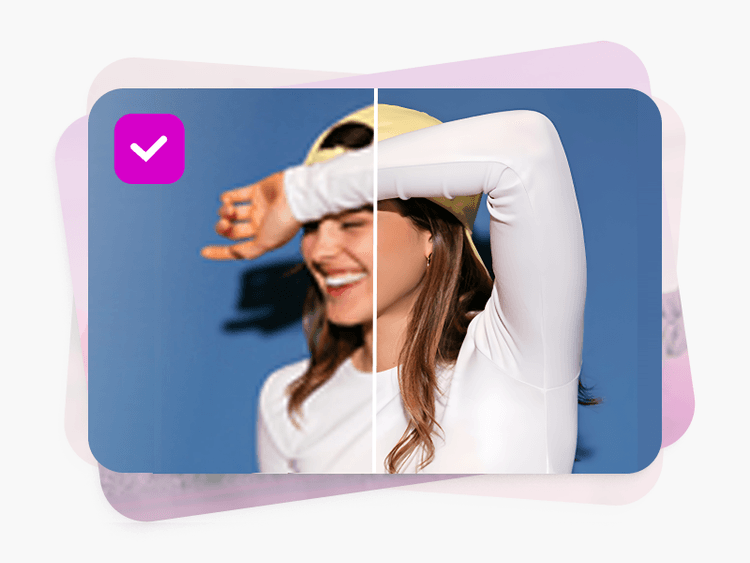
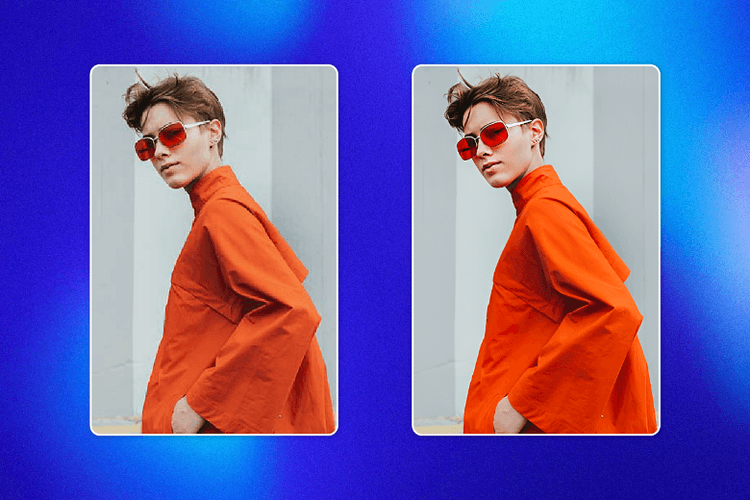
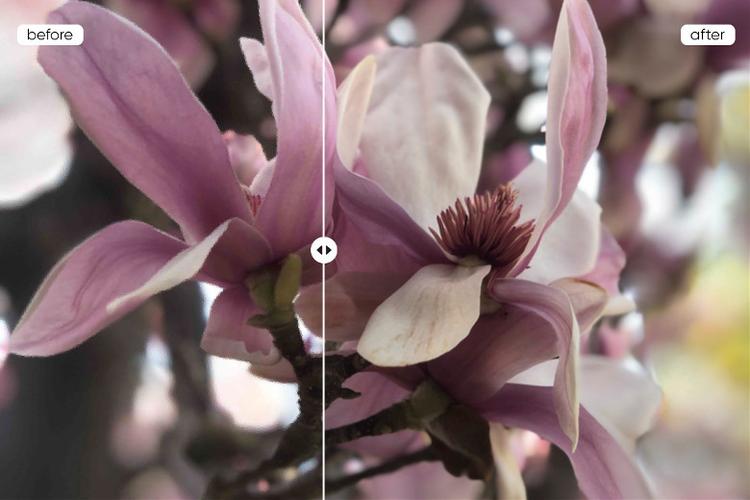
Never settle for low quality or be forced to do reshoots again. With Picsart's Image Sharpener, you can transform any photo from blurry to brilliant. The use of a single button is all it takes to Unblur Photos and unleash vibrant colors, striking sharpness, and clear details, while still preserving a natural look.
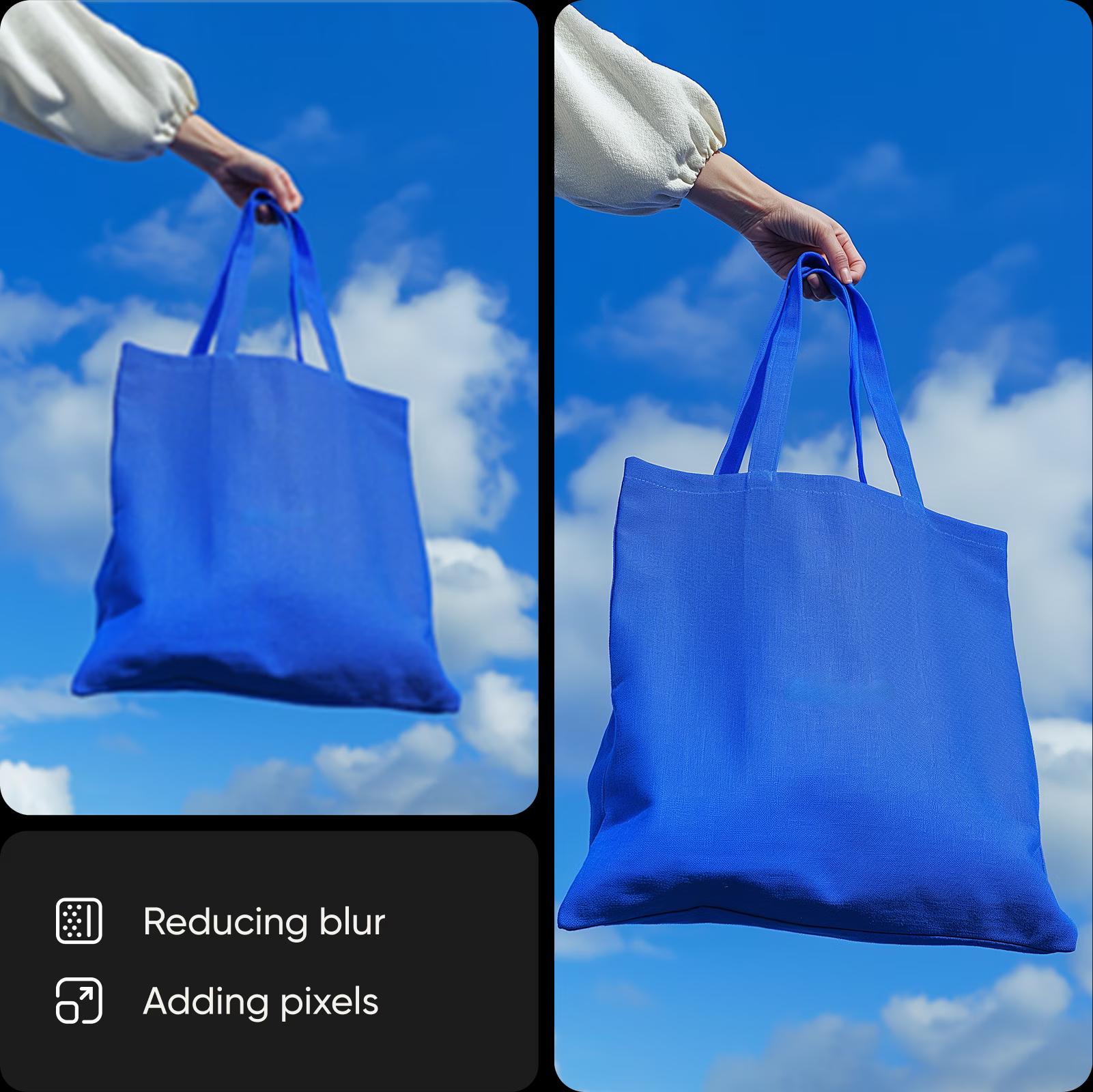
Sharpen Images to enhance and revive low-res visuals
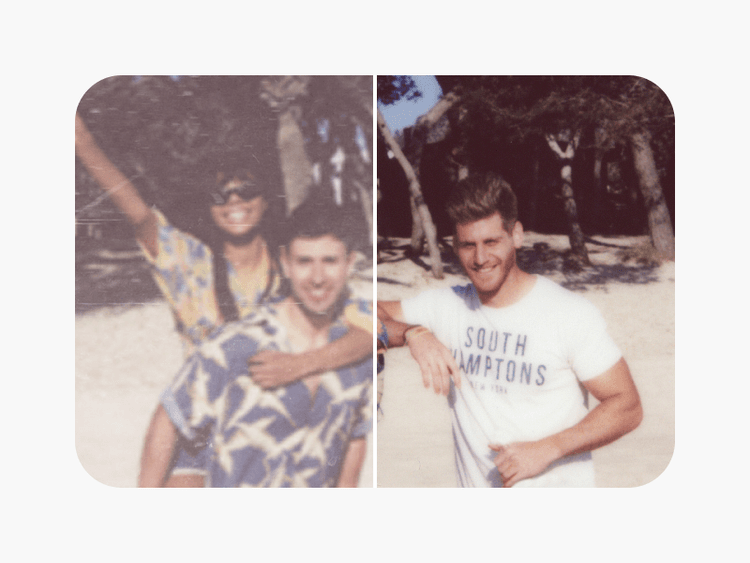
Picsart's AI image sharpening identifies specific areas within your photo that lack definition and selectively enhances them. The photo enhancer’s targeted approach goes beyond basic sharpening, improving resolution, adding depth, and refining details to make each element within your photo pop. It's not just about making photos clearer; it's about bringing out the best in them, one pixel at a time. Works perfectly regardless of whether you want to refresh a low-res visual or restore an old photo.

Sharpen brand visuals for a clean, professional look
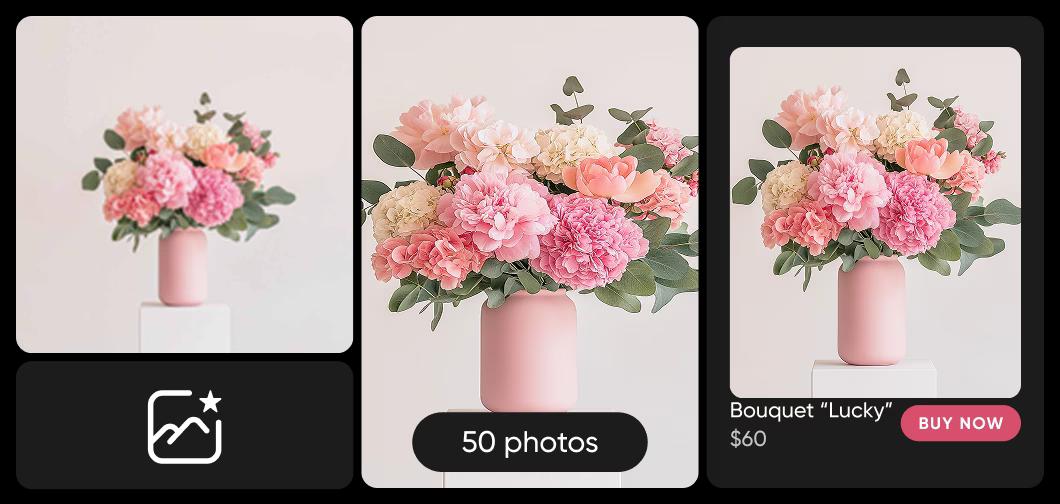
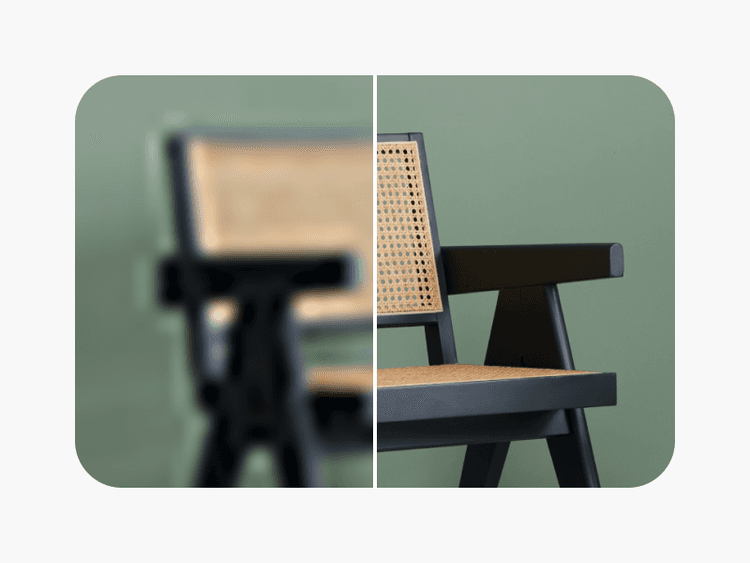
Stand out in the overpopulated feeds of e-commerce and create compelling product images to help improve your sales. Make your product photos look their best online and use the batch image enhancer to sharpen photos in bulk.
Enhance photo sharpness for personal and business use
Whether you're crafting the perfect Instagram post, designing menu cards, or sending out wedding invites, Picsart’s photo clearer is here to elevate the look of your photos. For personal photography, enhance the quality of your memories, ensuring every snapshot is as clear and detailed as the moment itself.

Keep finessing with Picsart’s AI toolset
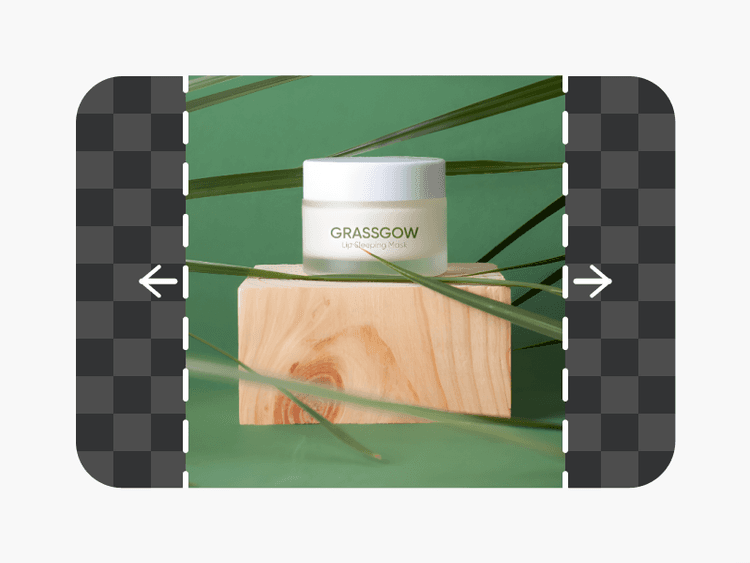
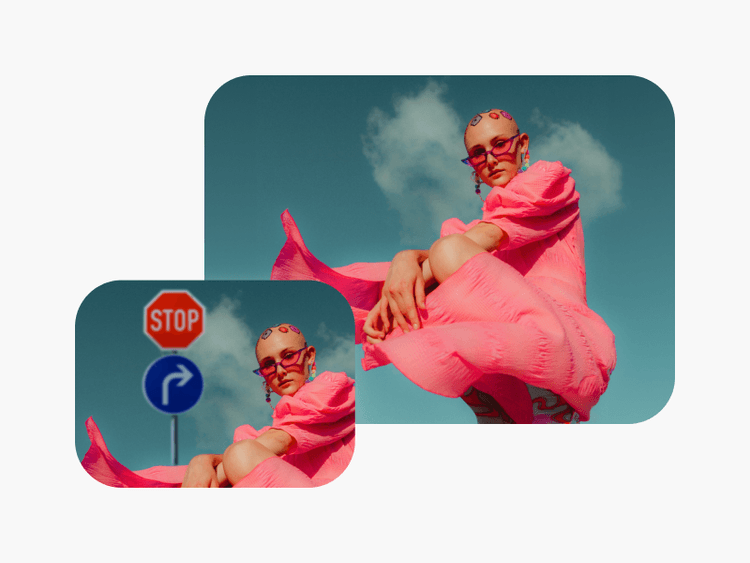
Go beyond image sharpening with Picsart’s suite of intuitive AI photo editing tools. Extend your images beyond what the lens captured with the image extender, or use the object eraser tool to clean up pictures from distracting objects and people. Access more tools and an abundance of design assets like stickers, backgrounds, and fonts all built into one convenient interface.
More tools to love from Picsart
Sharpen image FAQ
Image sharpening is a digital enhancement technique used to improve the apparent sharpness of an image. It works by accentuating the edges of objects within the photo, making the image look more defined and details more distinguishable. Image sharpeners can help make photos appear clearer, more detailed, and more vibrant.
The Picsart image sharpener utilizes advanced AI technology to analyze the pixels of an image, identifying areas of blurriness or softness. The tool then selectively enhances these areas, improving edge contrast and making the overall image appear sharper and more detailed without compromising quality or drastically changing the overall look.
Follow these steps to make your photo look clearer and higher quality with Picsart:
- Use the Uploads button from the left sidebar to select an image.
- Select the image in the editor and use the AI Enhance button from the toolbar on the top.
- Preview the sharpened version and use the Apply button to save the change.
- Now, just use the Export button to download the sharpened image.
Yes. To do so, use Picsart’s image sharpener tool to enhance the clarity and definition of text within a photo, making it easier to read and visually appealing.
Absolutely, whether it's a photo that's blurry, pixelated, old, or otherwise not as clear as you'd like, Picsart's image sharpener can significantly improve its sharpness and clarity, breathing new life into your cherished memories.
Sharpen every detail and unlock more editing tools
Pro
Most popularAI tools for everyday creative work.
Ultra
Most powerfulHeavy AI usage for creators & teams.
Enterprise
Custom AI solutions for large organizations.
- Volume discounts on credit rate
- On-demand top-ups